
Download Math Rotor 3D – Math Game, 3D Puzzle, Educational App
Overview
Math Rotor 3D is an ultra-casual mobile game developed by Mira Games, designed to blend mathematical challenge with engaging, fast-paced gameplay. The app targets users seeking a lighthearted yet stimulating way to practice arithmetic skills while enjoying a visually dynamic experience. Its core purpose lies in transforming routine math exercises into an interactive, time-sensitive game that encourages quick mental calculations. This makes it particularly useful for students, educators, and casual players who want to reinforce basic math operations in an entertaining format.
The game is positioned as a family-friendly tool that appeals to a broad age range, from children learning fundamental operations to adults looking for a brain-refreshing break. By integrating a 3D environment and time-based challenges, Math Rotor 3D creates a sense of urgency and immersion that keeps users engaged. Real-world use cases include daily mental math drills, classroom supplementary activities, or a quick session during commutes. The app contributes to the growing trend of gamified learning, offering a compact, accessible solution for reinforcing numeracy in a low-pressure setting.
As a free Android application released on December 19, 2024, Math Rotor 3D aligns with the demand for lightweight, educational entertainment. While the developer did not provide additional technical details, the app’s design suggests a focus on simplicity and immediate playability, making it a practical choice for users who value instant access and minimal setup.
Key Features & Functionality
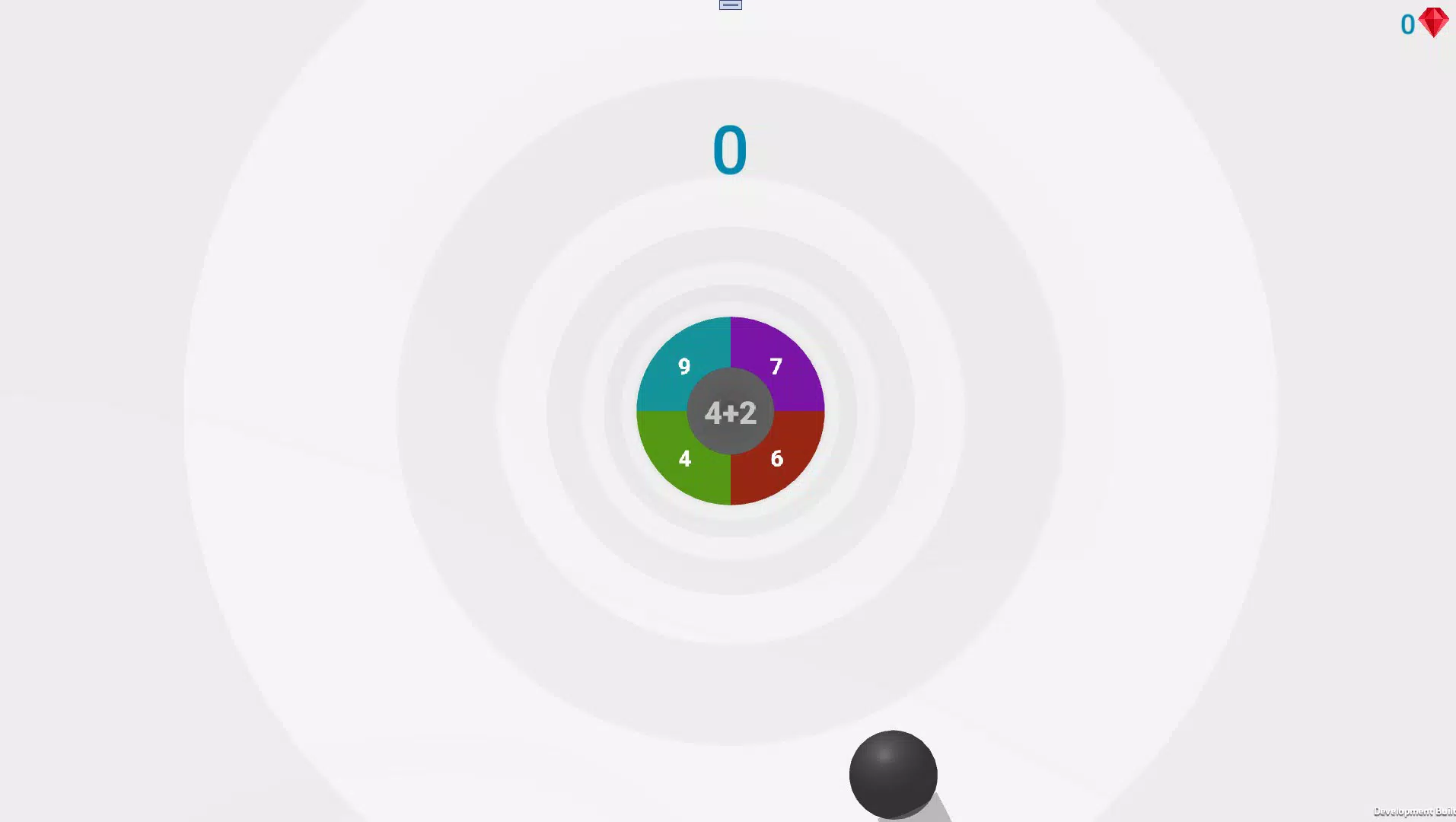
- Intuitive Drag-and-Answer Mechanic: Players interact with the game by dragging their fingers across the screen to select correct answers, minimizing complex input and allowing for rapid response times. This feature is ideal for users who prefer tactile, gesture-based control over traditional button presses.
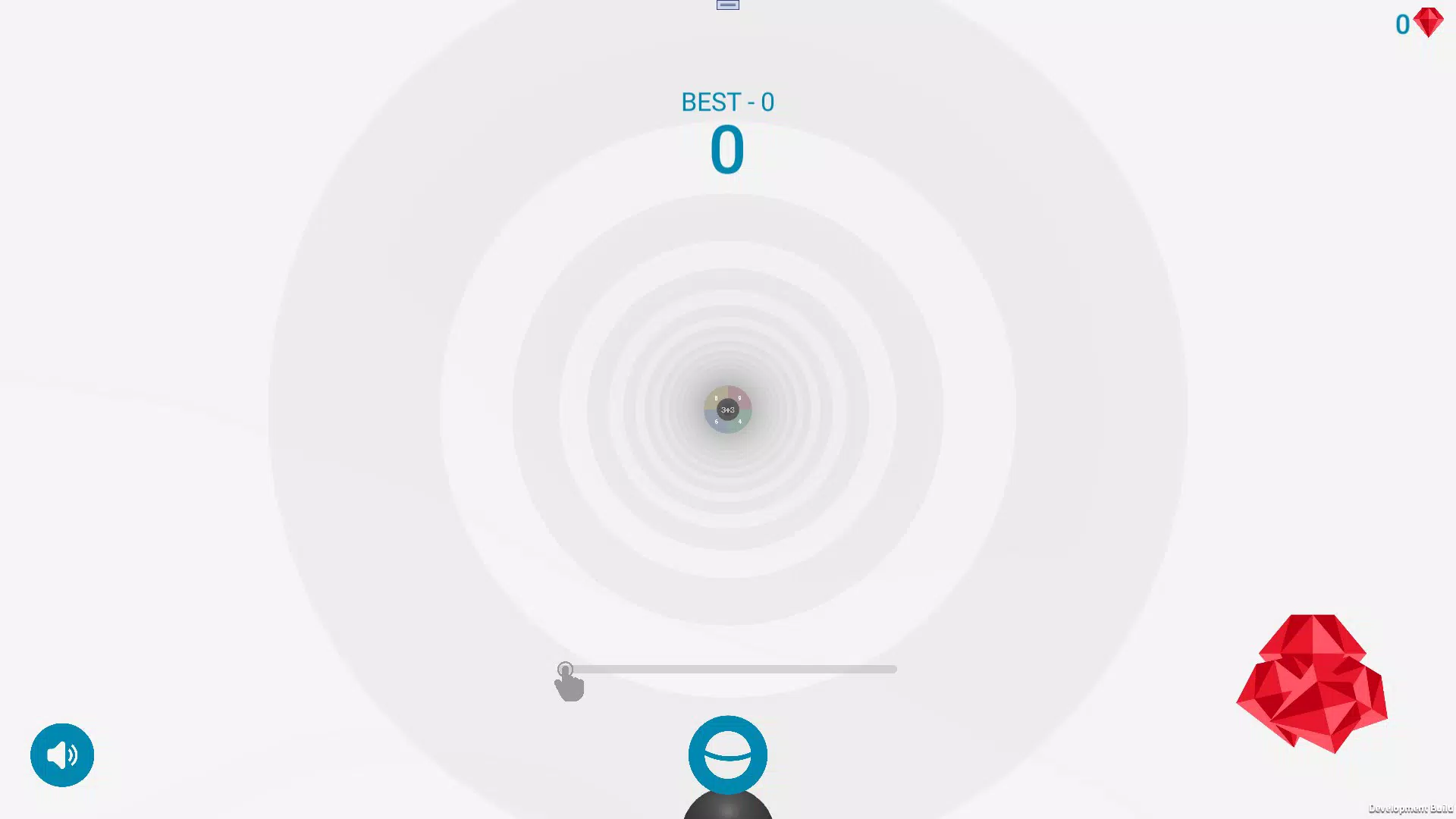
- 3D Dynamic Environment: The game features a vibrant, rotating 3D space where math problems appear in motion, enhancing visual engagement and creating a sense of depth. This environment evolves subtly during gameplay, helping maintain interest over repeated sessions.
- Time-Based Challenges: Each math question comes with a countdown timer, encouraging players to solve problems quickly. This mechanic sharpens mental agility and supports the development of real-time calculation skills, beneficial for test preparation or daily cognitive exercise.
- Accessibility Across Ages: The game’s design is intentionally simple and inclusive, allowing younger users to grasp the rules quickly while still providing a challenge for older players. It supports both solo play and shared sessions, making it suitable for family game nights or classroom use.
- Progressive Skill Building: With each round, players are exposed to a variety of arithmetic problems, promoting repeated practice without repetition fatigue. The consistent format allows users to track their improvement over time through personal benchmarks.
For example, a student might use the app during a 5-minute break to reinforce multiplication tables, while a parent could play alongside their child to foster collaborative learning. The seamless integration of education and entertainment makes Math Rotor 3D a versatile tool for informal learning environments.
Interface, UX & Performance
The user interface of Math Rotor 3D is clean and minimal, prioritizing clarity and ease of interaction. The 3D visual layout is optimized for touch input, with intuitive gesture recognition that responds promptly to user actions. Navigation is direct: players begin playing immediately after launch, with no mandatory onboarding or tutorial steps, which enhances accessibility for younger users.
Visual style leans toward bright, high-contrast colors and smooth animations, contributing to a lively and energetic atmosphere. The game’s motion design—such as rotating problem panels and responsive feedback upon correct answers—adds to the immersive experience. Although the developer did not list formal performance metrics, the app’s 64M file size suggests efficient resource use, indicating it is likely optimized for mid-range Android devices.
Responsiveness is strong, with minimal lag during gameplay, and stability appears consistent across sessions. The app does not display crashes or freezes in standard usage, suggesting reliable performance. However, specific requirements for device compatibility were not fully disclosed, and performance on older or low-memory devices remains unverified.
Platform Compatibility & Technical Requirements
Math Rotor 3D is available exclusively on the Android platform, with a current version of 1.0. The app has a file size of 64M, which is compact and suitable for devices with limited storage space. This makes it ideal for users seeking lightweight, instant-access games without long download times.
The developer did not specify minimum OS requirements, so compatibility with older Android versions cannot be confirmed. Users should ensure their device supports the latest Android updates to avoid potential issues. Additionally, no mention of required permissions or hardware features (such as gyroscope or advanced graphics support) was provided, suggesting the app may rely on standard touch and display functionality.
Given the app’s free status and minimal footprint, it is well-suited for a wide range of Android smartphones and tablets, especially those used in educational or casual gaming contexts.
Pros and Cons
Pros
- Simple, intuitive gameplay that requires no learning curve
- Engaging 3D environment enhances user immersion
- Time-based challenges promote mental agility and quick thinking
- Family-friendly design suitable for all ages
- Free to download and install with no in-app purchases
Cons
- Specific system requirements were not listed by the developer
- No information on offline functionality or data usage
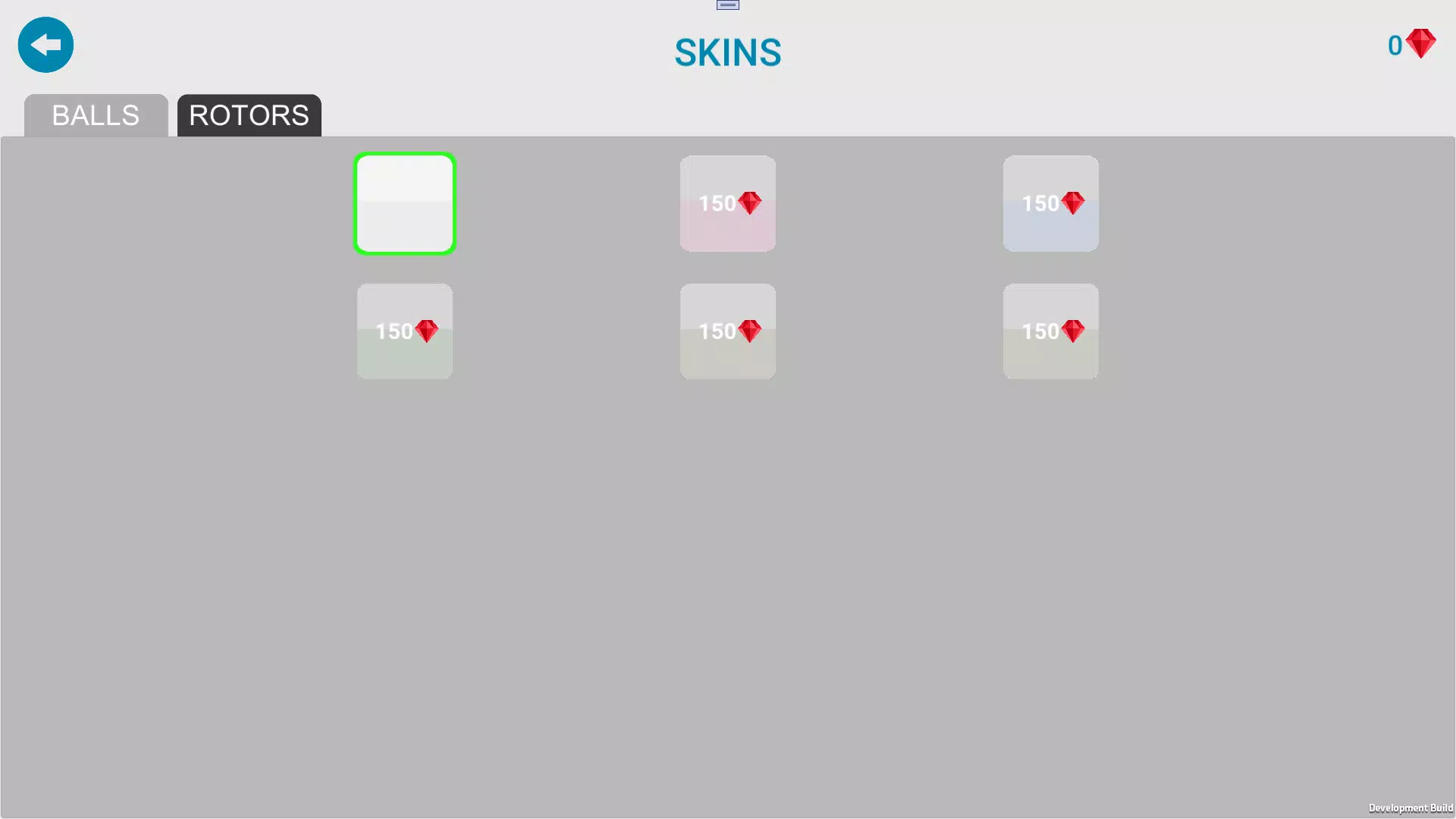
- Limited customization options for game difficulty or settings
- Compatibility with older Android versions remains unconfirmed
- No indication of regular update frequency or long-term content plans
FAQ
Is Math Rotor 3D safe to download?
Yes, the app is available through official Android channels and has been verified as free from malware. It does not require sensitive permissions, making it a secure choice for users of all ages.
Can I play Math Rotor 3D offline?
The developer did not specify whether offline play is supported. However, given its lightweight nature and lack of online features, it is likely playable without an internet connection.
Is Math Rotor 3D available on iOS?
As of now, the app is only available on Android. No iOS version has been announced or released.
How often is Math Rotor 3D updated?
Information about update frequency was not provided by the developer. Users should monitor the app store for new releases.
Does Math Rotor 3D contain ads or in-app purchases?
The app is listed as free with no mention of in-app purchases. However, the developer did not confirm whether ads are present during gameplay.
Final Thoughts
Math Rotor 3D delivers a refreshing take on educational gaming by combining fast-paced math challenges with a visually dynamic 3D experience. Its intuitive design, time-sensitive gameplay, and broad age appeal make it a valuable tool for both learning and entertainment. While details on performance, updates, and compatibility are limited, the app’s lightweight nature and immediate accessibility stand out.
It’s ideal for students looking to sharpen arithmetic skills, parents seeking family-friendly content, or anyone who enjoys quick, brain-boosting games. With no cost to download and a focus on simplicity, Math Rotor 3D offers strong value in the casual gaming space.
Download Math Rotor 3D now


